Countdown
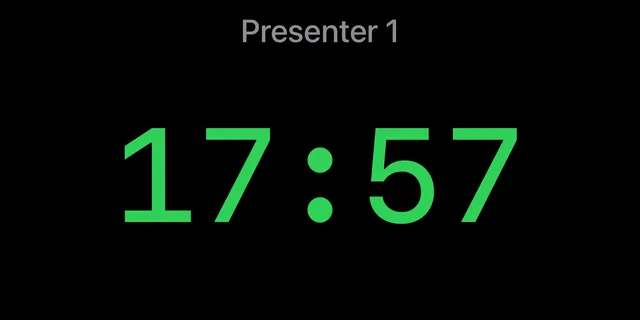
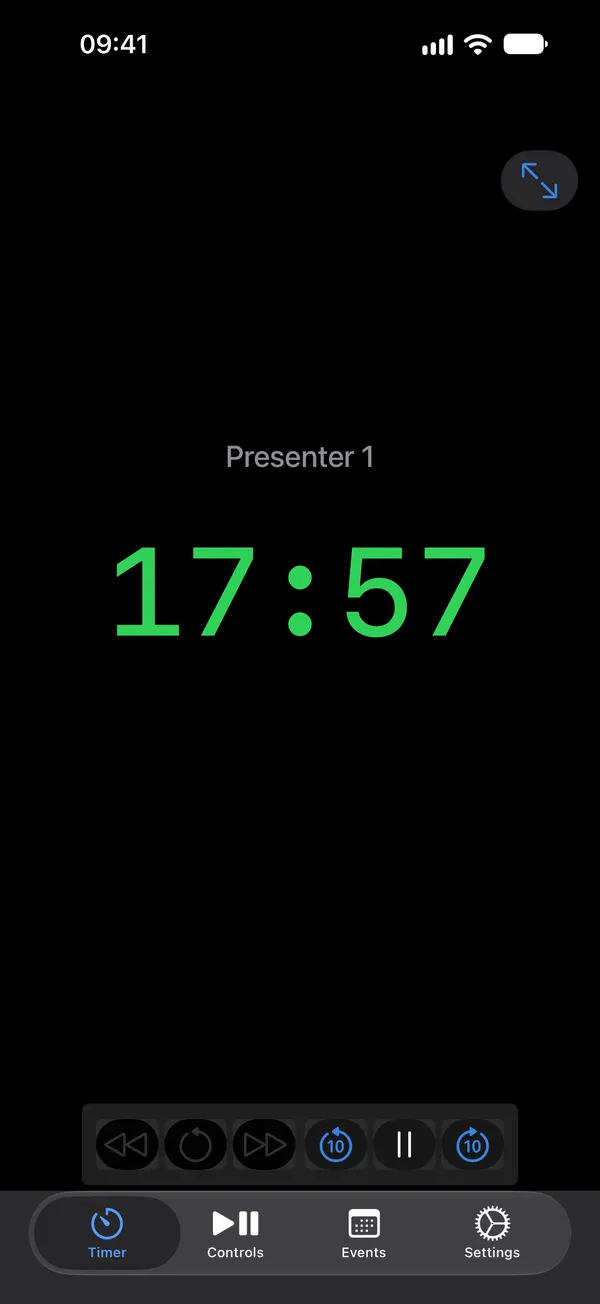
Count down a duration with clear warning and overtime states.
iOS · iPadOS · macOS · tvOS · watchOS
Show presenters, performers, and event staff how much time is left, from the wings, the booth, or the stage itself.
Features
Build an Event, add Schedules, and run the timer type each Schedule Item needs. The control device stays useful while the room sees only the Timer.
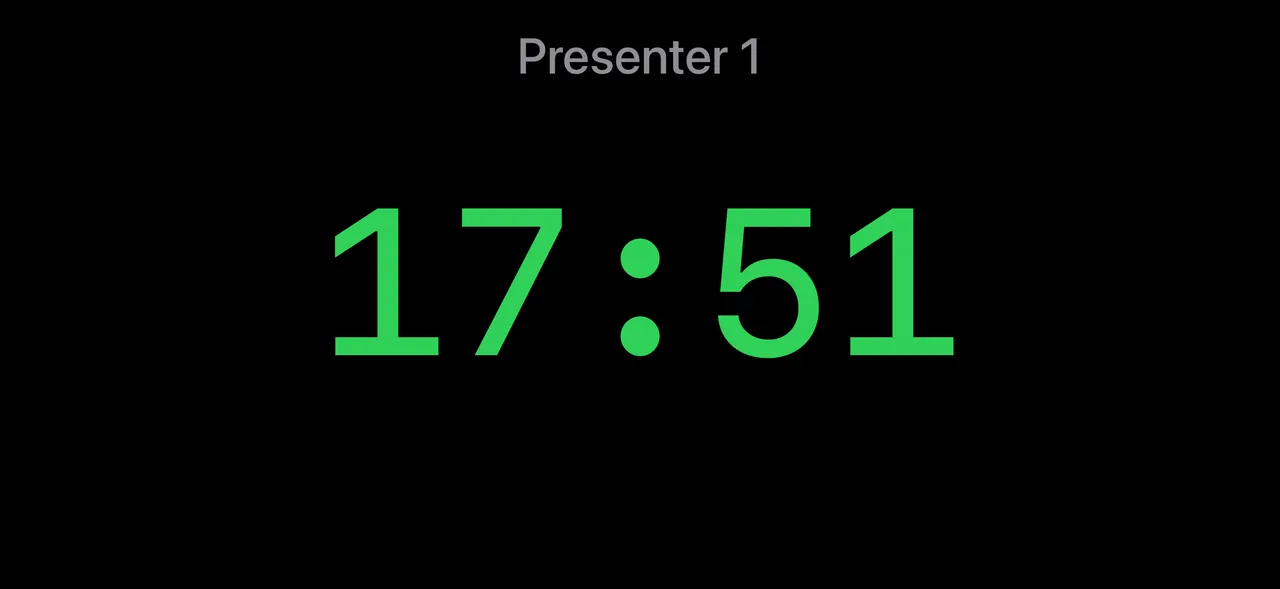
Count down a duration with clear warning and overtime states.
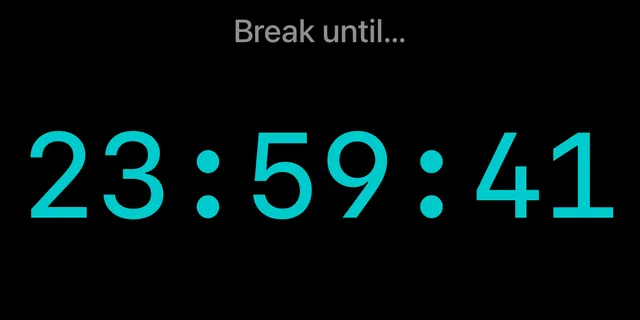
Count toward a wall-clock target when a transition has to happen at a set time.
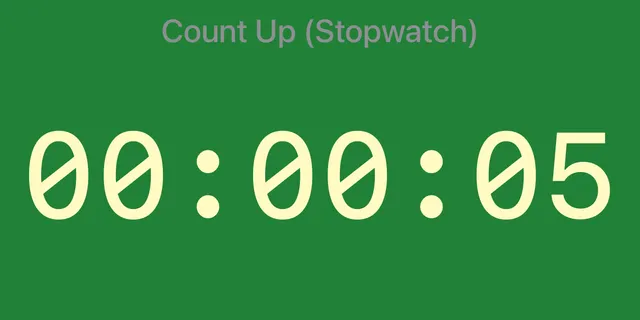
Count up with minimum, target, and maximum thresholds for Toastmasters.
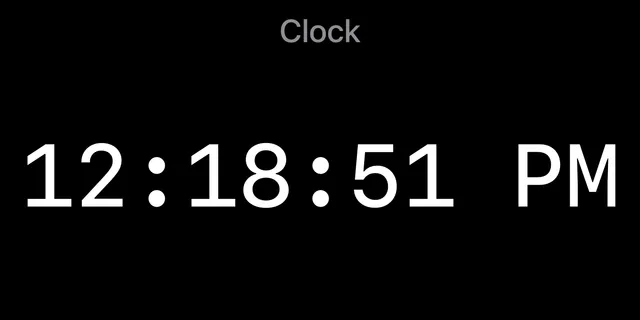
Show the time of day between Schedule Items.
External displays
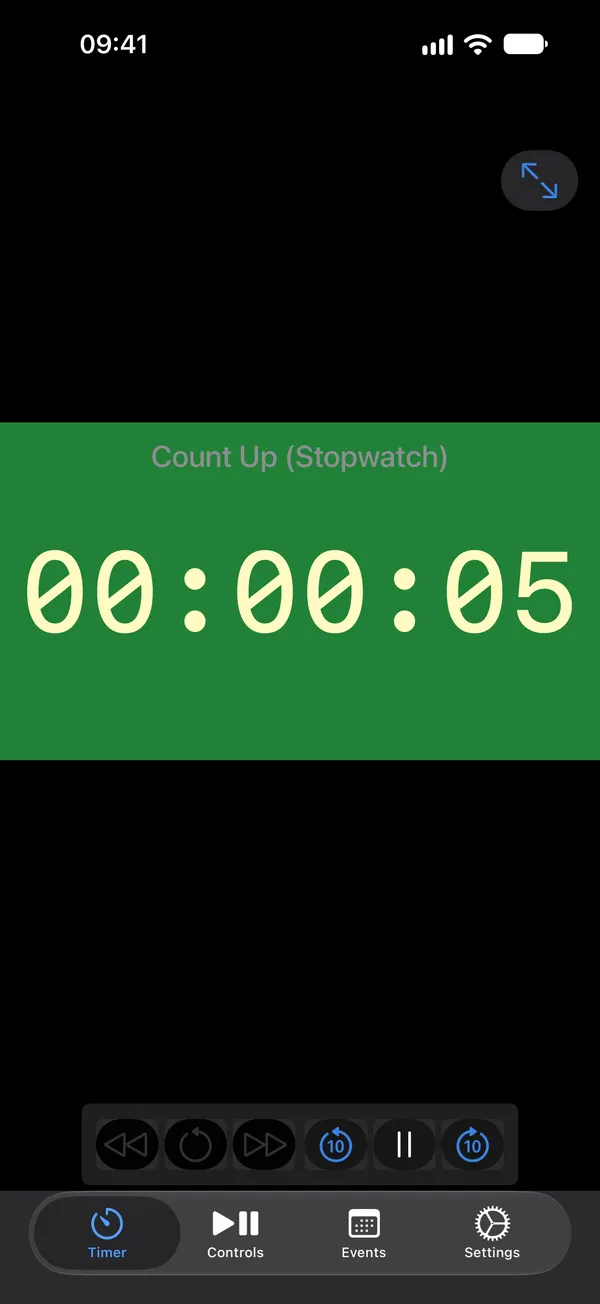
On iPhone and iPad, an attached screen shows the Timer full-screen while the built-in display keeps controls, Schedules, and editing tools available.
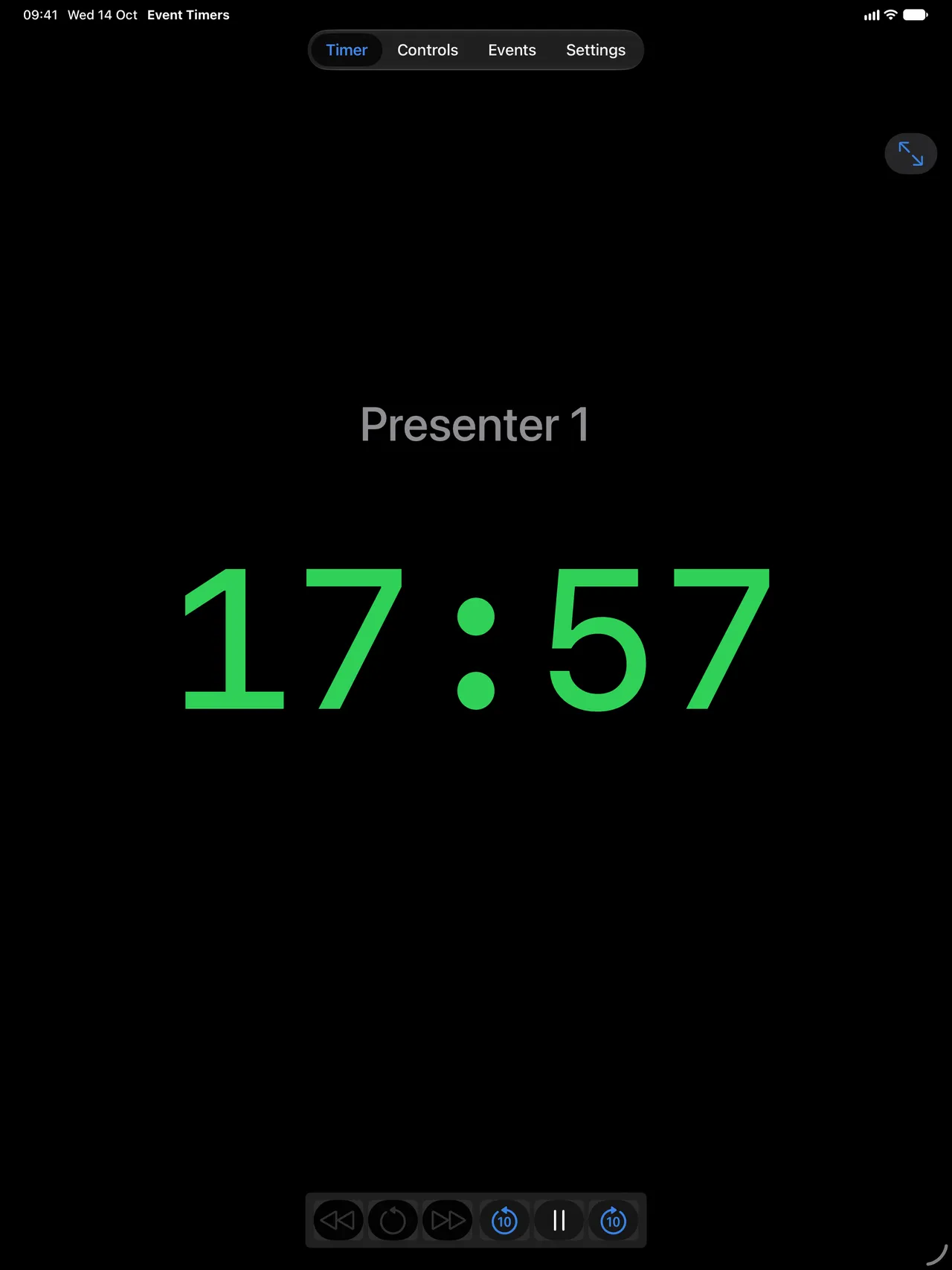
Perfect for Toastmasters meetings!
Use the familiar signal colors for minimum, target, and maximum speaking time. The timing role stays simple, visible, and consistent.
Download
Events and Schedules sync through iCloud between devices signed into the same Apple ID.



FAQ
Yes. On iPhone and iPad, an attached display can show the Timer full-screen while the built-in screen remains available for controls and Schedules.
Yes. Count-up timers support minimum, target, and maximum timing states using the familiar green, yellow, and red signals.
Countdown, Count-to, Count-up (stopwatch), and Clock.
Yes. Events and Schedules sync through iCloud between devices signed into the same Apple ID, when an internet connection is available.
Event Timers is available for iPhone, iPad, Mac, Apple TV, and Apple Watch.